
Description
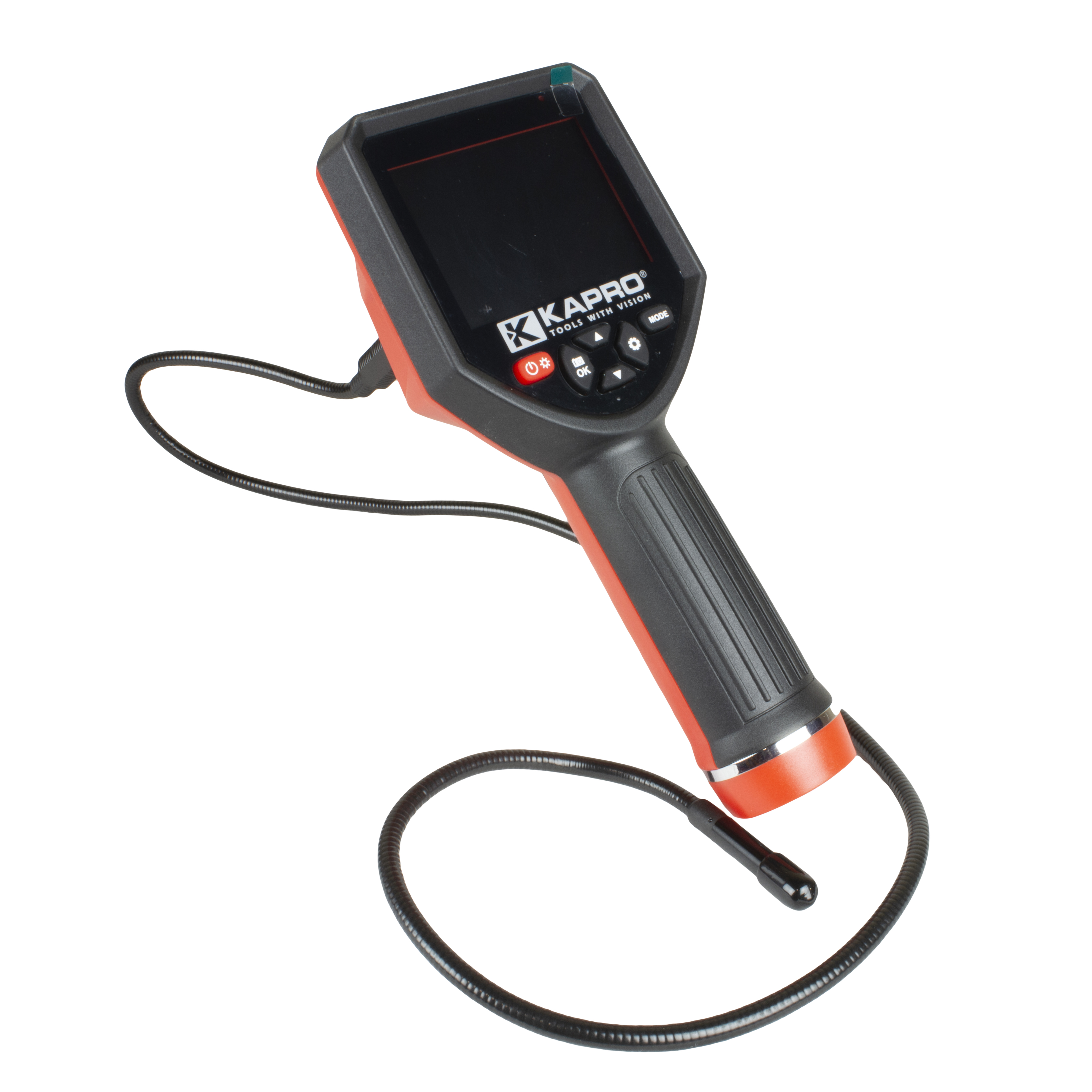
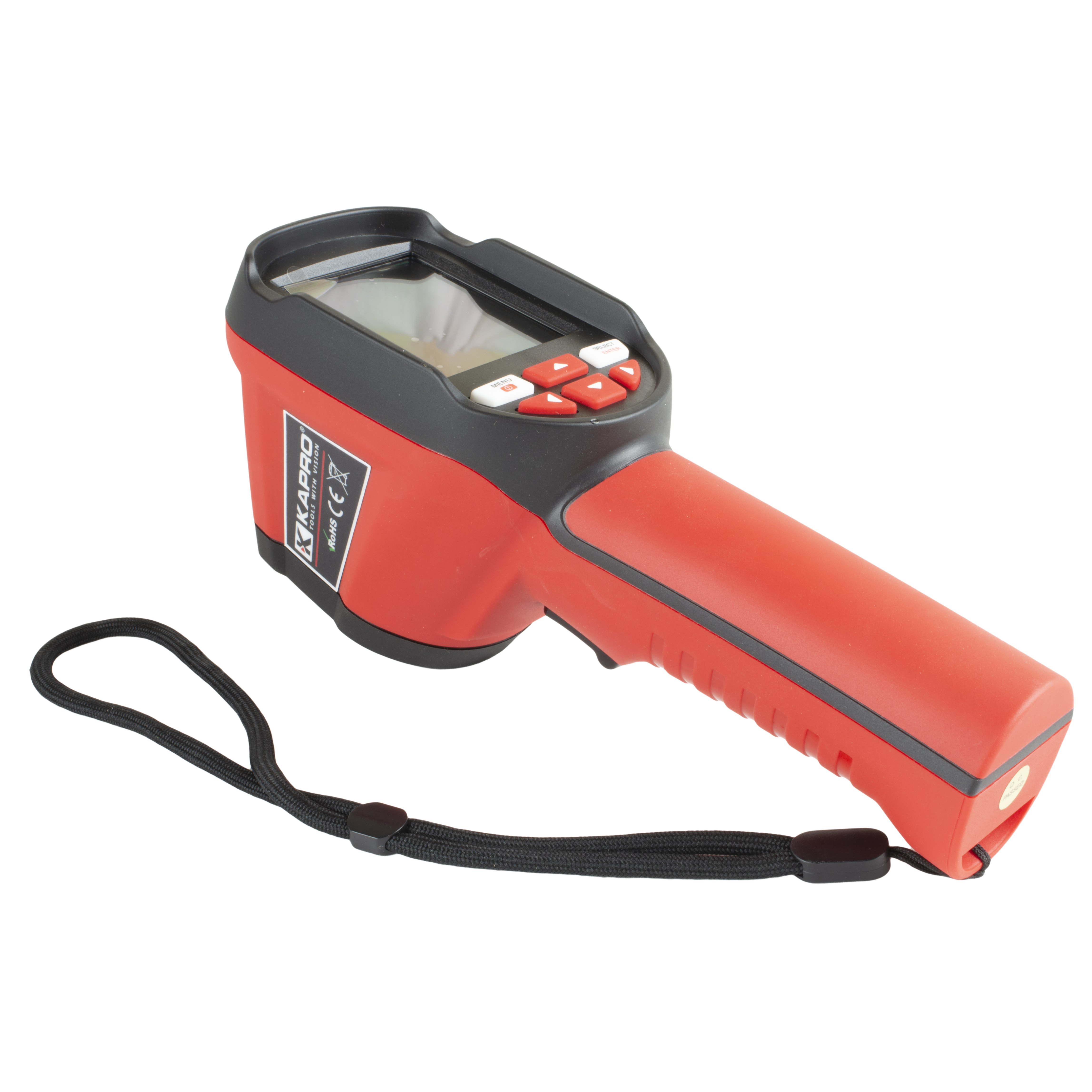
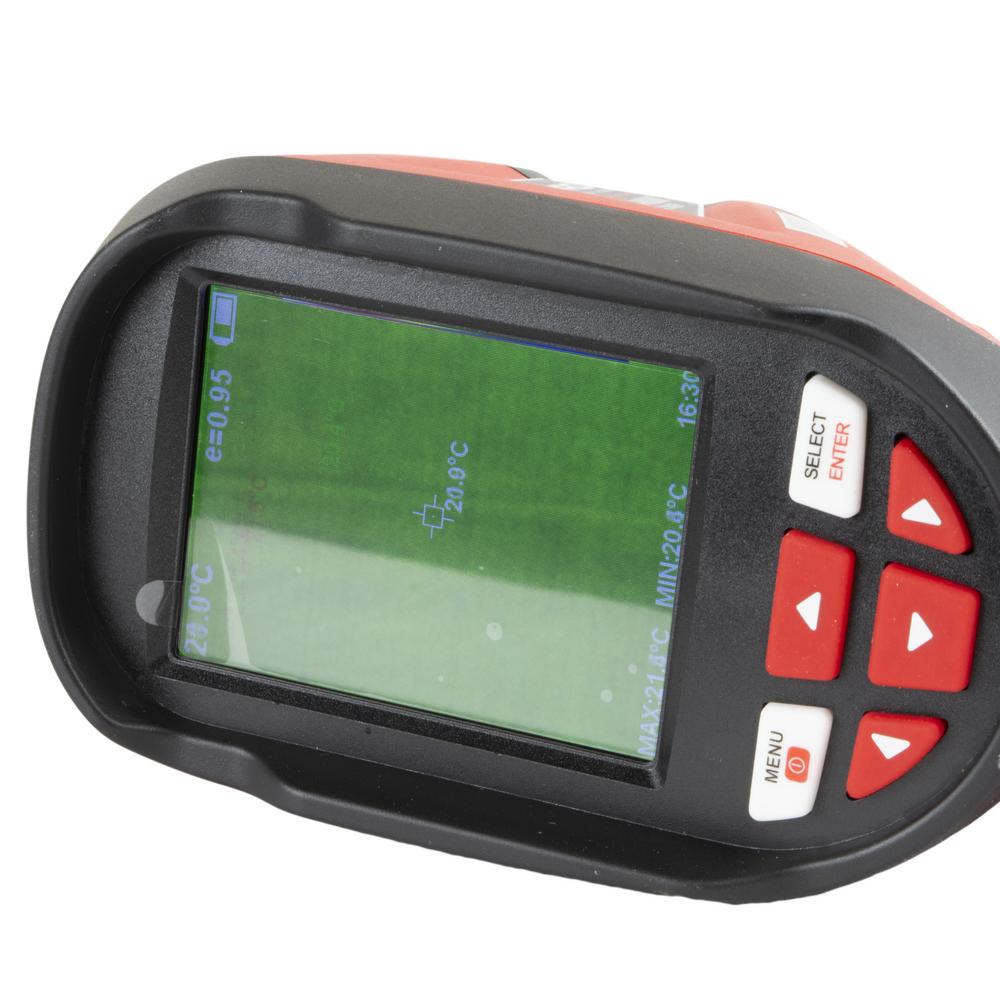
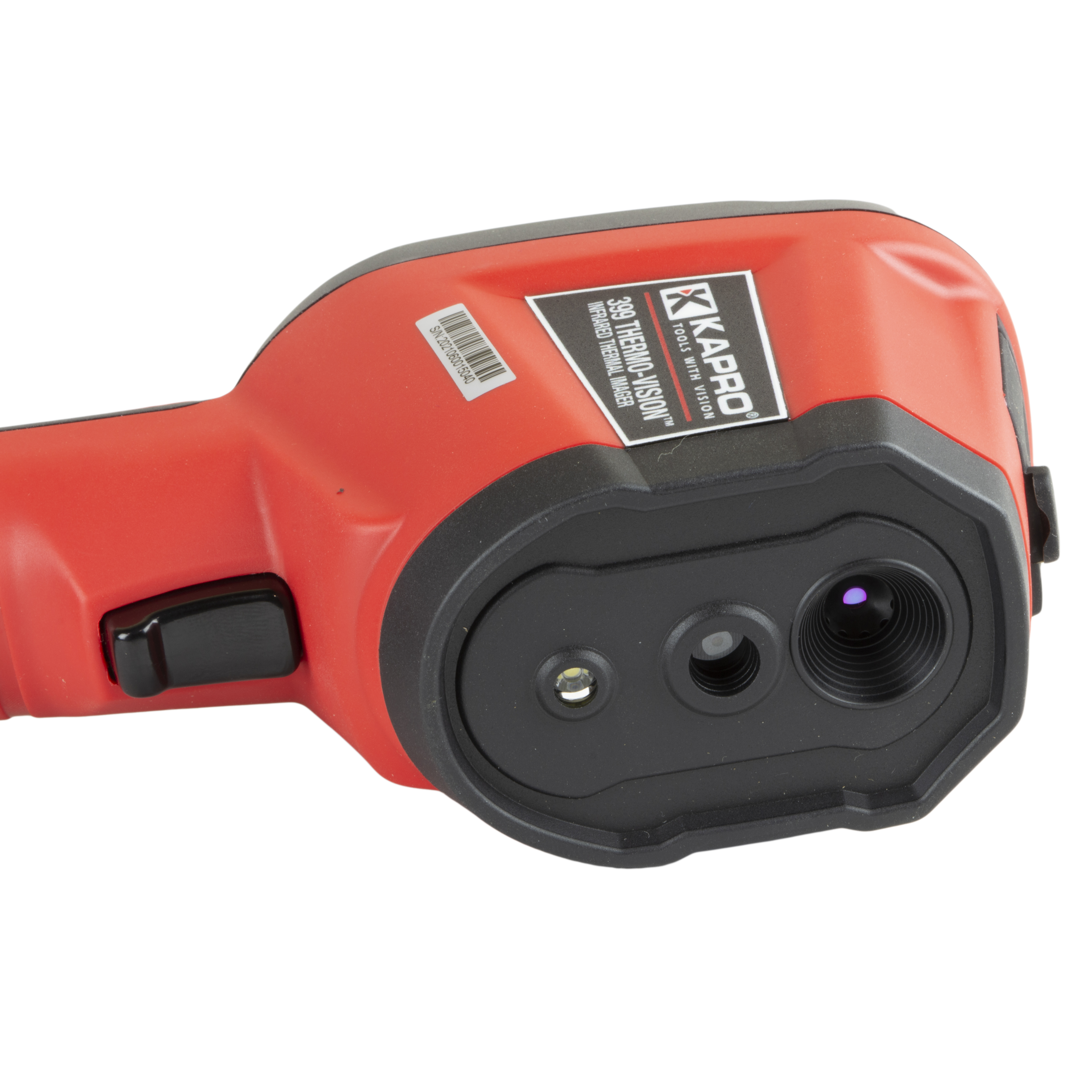
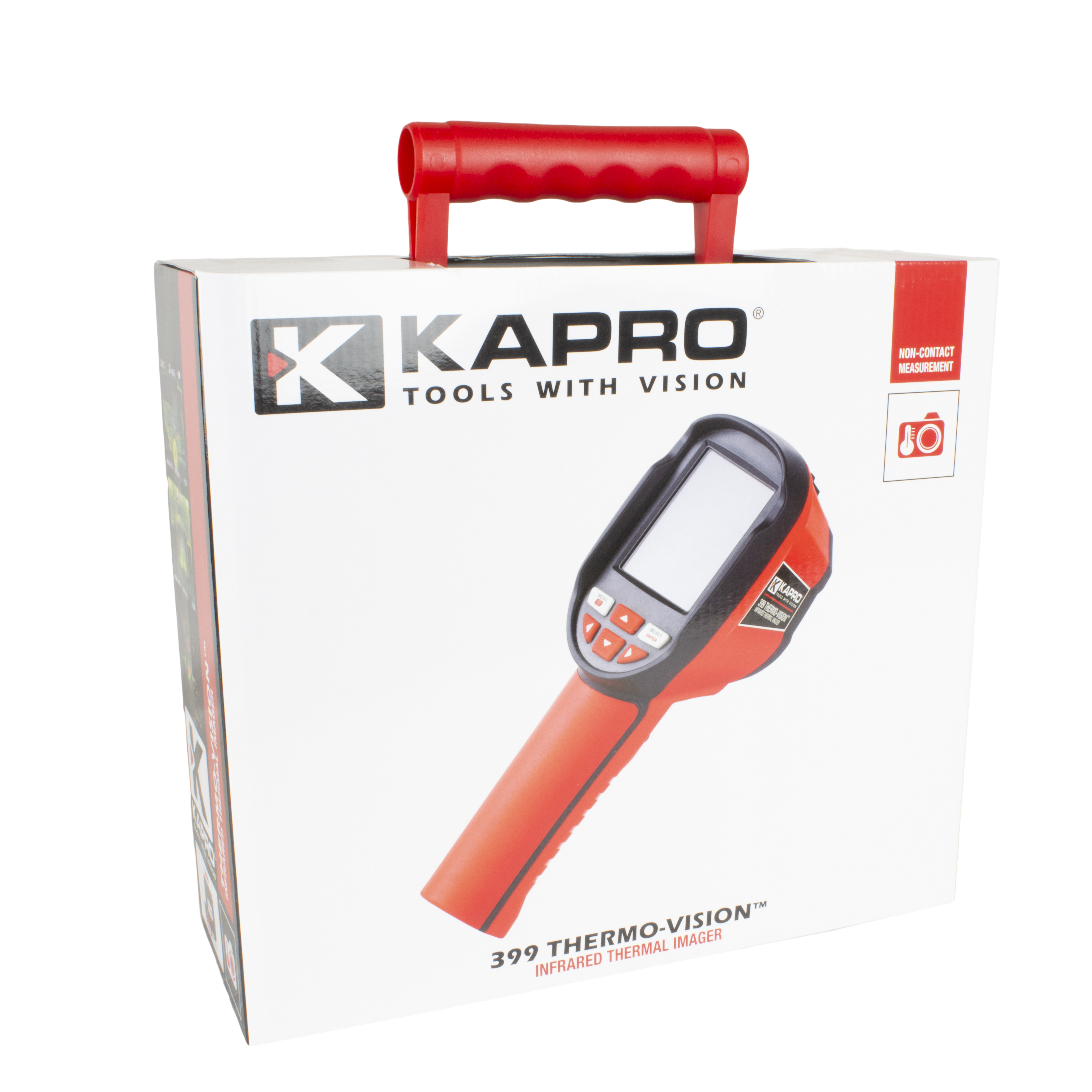
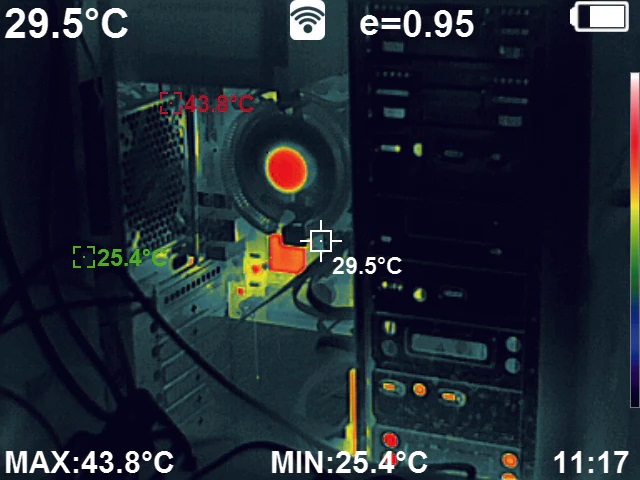
This advanced infrared thermal camera is designed to deliver top-class performance in detecting temperature differences in different materials and assemblies. It lets you efficiently identify and analyse cold and hot spots, which makes it an indispensable tool for tracing various electrical and mechanical faults, air leaks, airtightness and water leaks. Thanks to the large 2.8″ screen and high resolution, the device gives a clear, precise image of temperature anomalies, allowing problems to be identified quickly and repairs to be planned.
This infrared thermal camera is an essential tool for many professionals, including structural engineers, electricians, HVAC specialists and property maintenance staff. It is particularly useful for locating heat leaks in structures, inspecting water-circulating pipework, and measuring air leaks and airtightness. The device can also be used effectively to prevent moisture damage and optimise energy consumption, which saves both costs and the environment.
Features:
- Screen: High-quality 2.8″ TFT screen with 160×120 pixel resolution in infrared images and 0.3 megapixel resolution in the visible image.
- Measuring range: Wide temperature range from -20°C to 450°C, which covers most industrial and household applications.
- Accuracy and sensitivity: Excellent thermal sensitivity of 0.07°C and measuring accuracy of ±2°C or ±2%, giving reliable results in all conditions.
- Memory and storage: Built-in 3 Gb memory and the option to use external memory, so measurements can be saved and analysed later.
- Calibration: The calibration function allows the measurements of the device to be adjusted precisely to the properties of different materials.
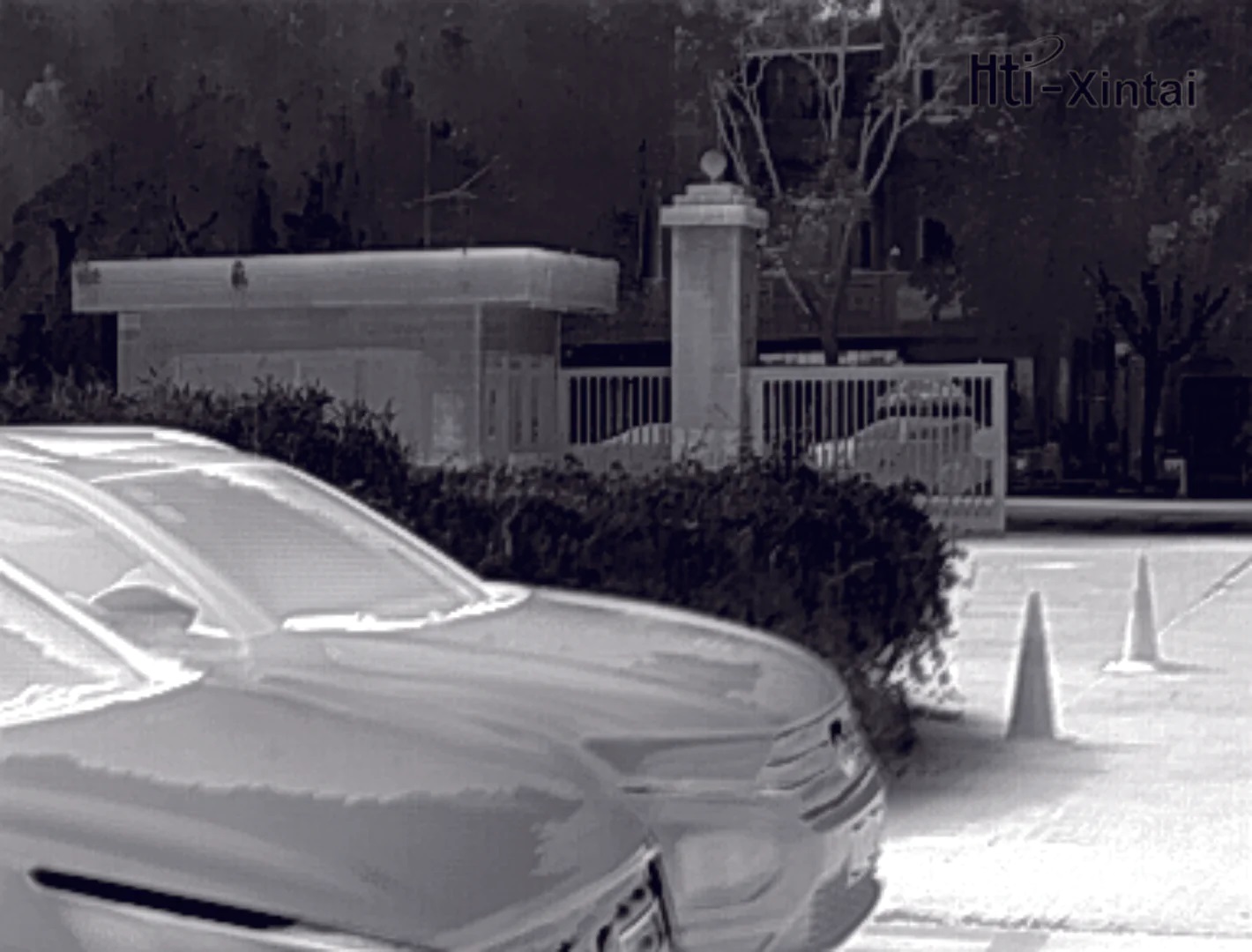
- Colour palettes: Five adjustable colour palettes (rainbow, iron oxide, cold colour, black and white, white and black) that help distinguish temperature differences more clearly.
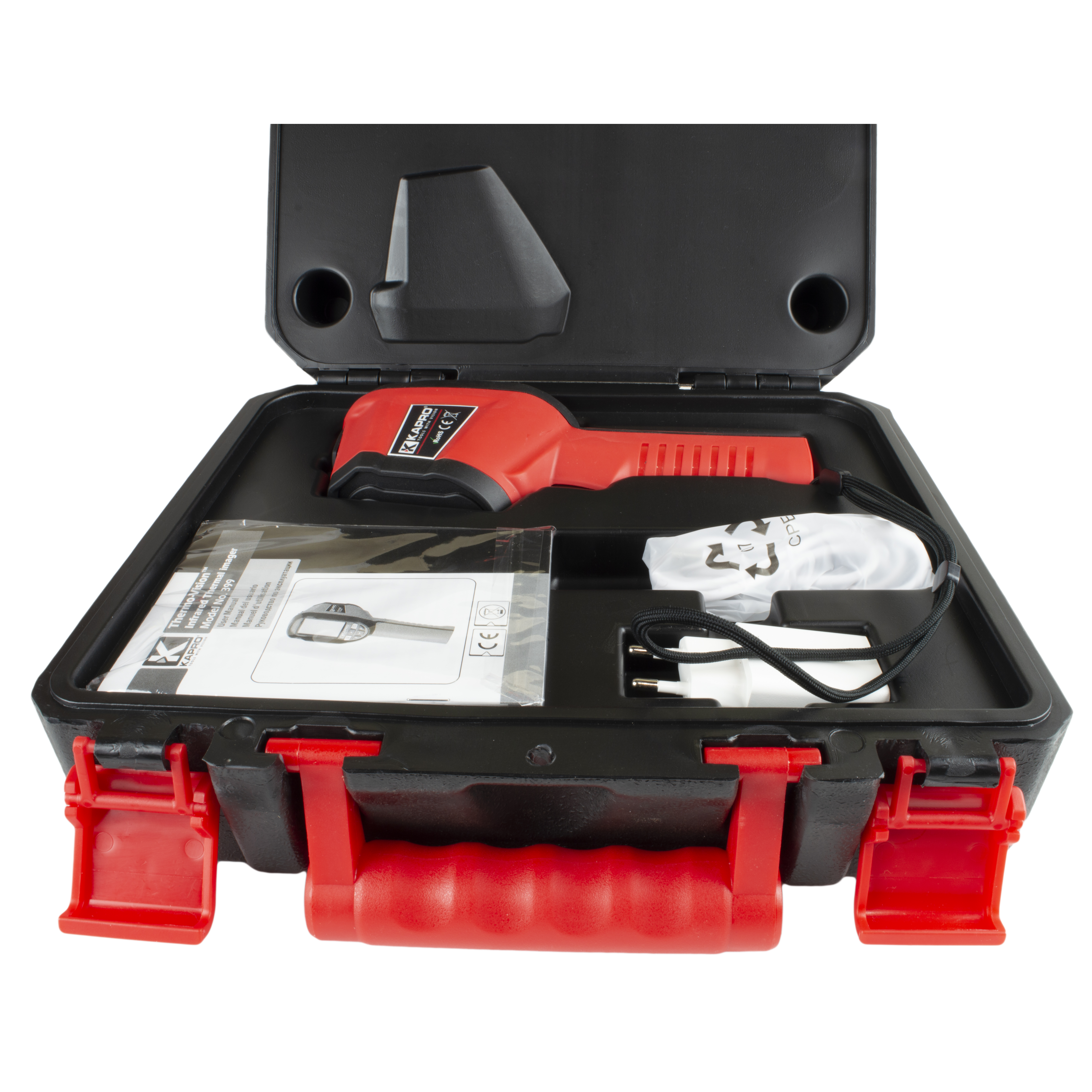
- Accessories: Comes with a USB charger and a rechargeable lithium-ion battery that offers a long service life and easy charging.
Instructions for use:
- Make sure the battery is fully charged before use.
- Switch on the device and choose suitable settings depending on what you are measuring.
- Point the camera at the object being measured and adjust the screen if necessary to get the best image quality.
- Use the calibration function to maximise accuracy on different materials.
- Use the colour palettes and adjust them as needed to get the best possible visualisation of temperature differences.
- Save the measurements in the internal memory of the device or on an external memory card for later analysis.
Warnings:
- Do not expose the device to extreme temperatures or moisture.
- Avoid dropping the device or subjecting it to impacts, as this can damage sensitive components.
- Follow all safety instructions when using and storing the device.
Attachments: